FIELD NOTE · WINDOWLIGHT EDITORIAL
Black-and-white window portrait prompts
Use a window, midtone skin and controlled shadows to create a monochrome portrait with depth.
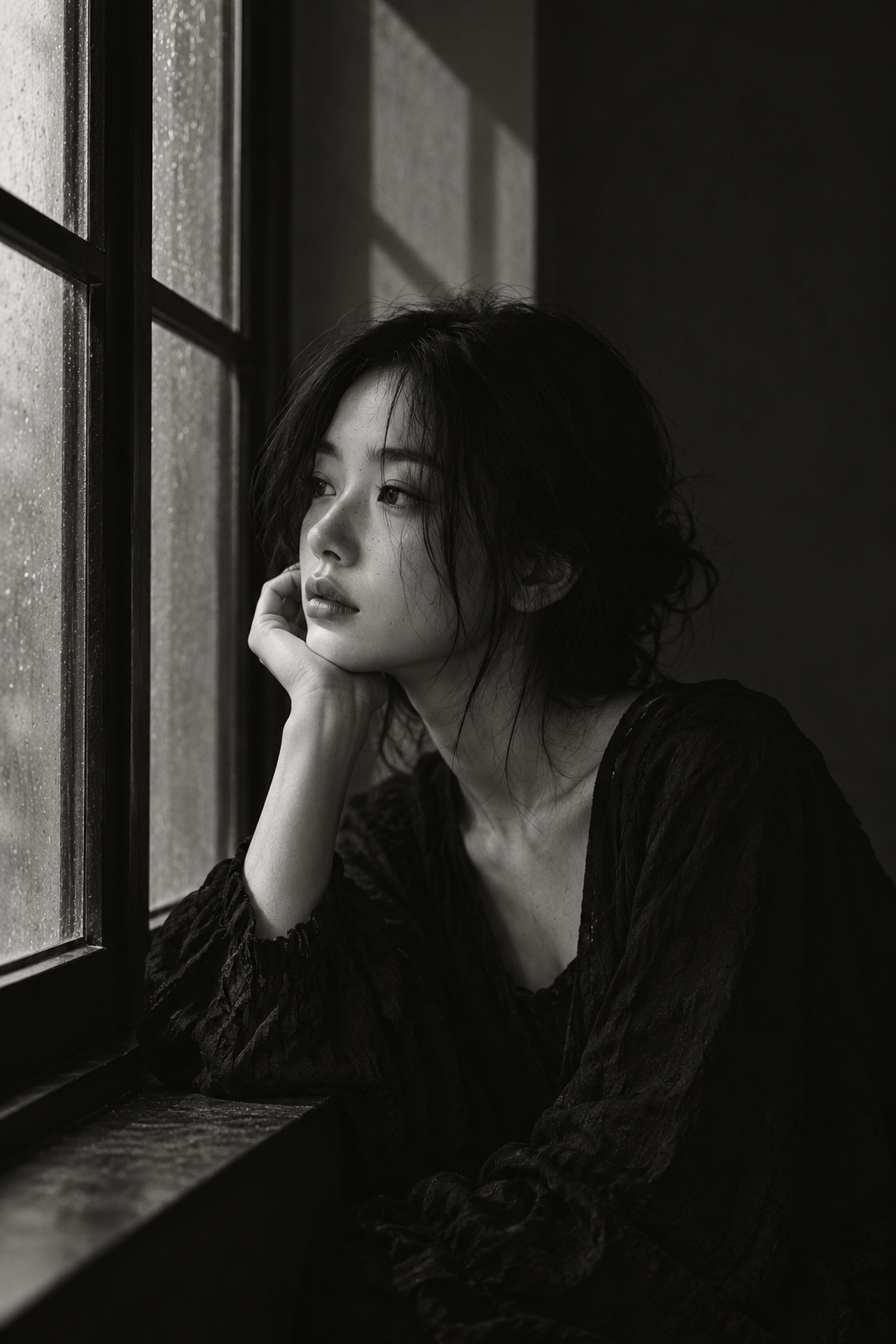
Light
Window light from the left lights the eyes, cheek and hands. Keep depth in the dark fabric and wall; window shadows emphasize the room's straight lines.
Color and contrast
Preserve delicate mid-gray tones in monochrome. Skin and glass should be brighter than clothing and the interior background.
Where to use this look
Studies in monochrome light and shade, window geometry and quiet portraiture.
Build the look
- Choose a half-length composition and keep the window grid simple. A busy grid can compete with the face.
- Specify light from one side and visible detail in the dark clothing. Black-and-white does not require crushed blacks.
- Check the separation between hair, clothing and background. Add gentle reflected fill if these merge.
An editable starting prompt
Replace the subject and setting with your own. Use images you have permission to use.
A young Asian woman sits thoughtfully by a window. A young woman in a dark textured dress rests her chin beside an old window dotted with water. Her dark hair is loosely pinned up and she looks out to the left. High windowpanes cast simple geometric shadows on the wall.
Visual style: Black-and-white portraiture, low-key lighting, close half-length framing and low brightness.
Lighting: Window light from the left lights the eyes, cheek and hands. Keep depth in the dark fabric and wall; window shadows emphasize the room's straight lines.
Color relationships: Preserve delicate mid-gray tones in monochrome. Skin and glass should be brighter than clothing and the interior background.
A single image, with no text or watermark.
If the result misses the mark
If the face loses structure, describe side lighting rather than only requesting black-and-white. If the scene looks flat, separate the background tone from the subject.
Try it in your workflow
Open the studio to explore the style library and the generation options currently available. Review the displayed price before submitting a generation.
Explore WINDOWLIGHT ↗