LIGHT · COLOR · CHARACTER
A clearer way to describe
the image in your head.
Start with a visual reference. Understand its light and color. Adapt a prompt to your own subject.
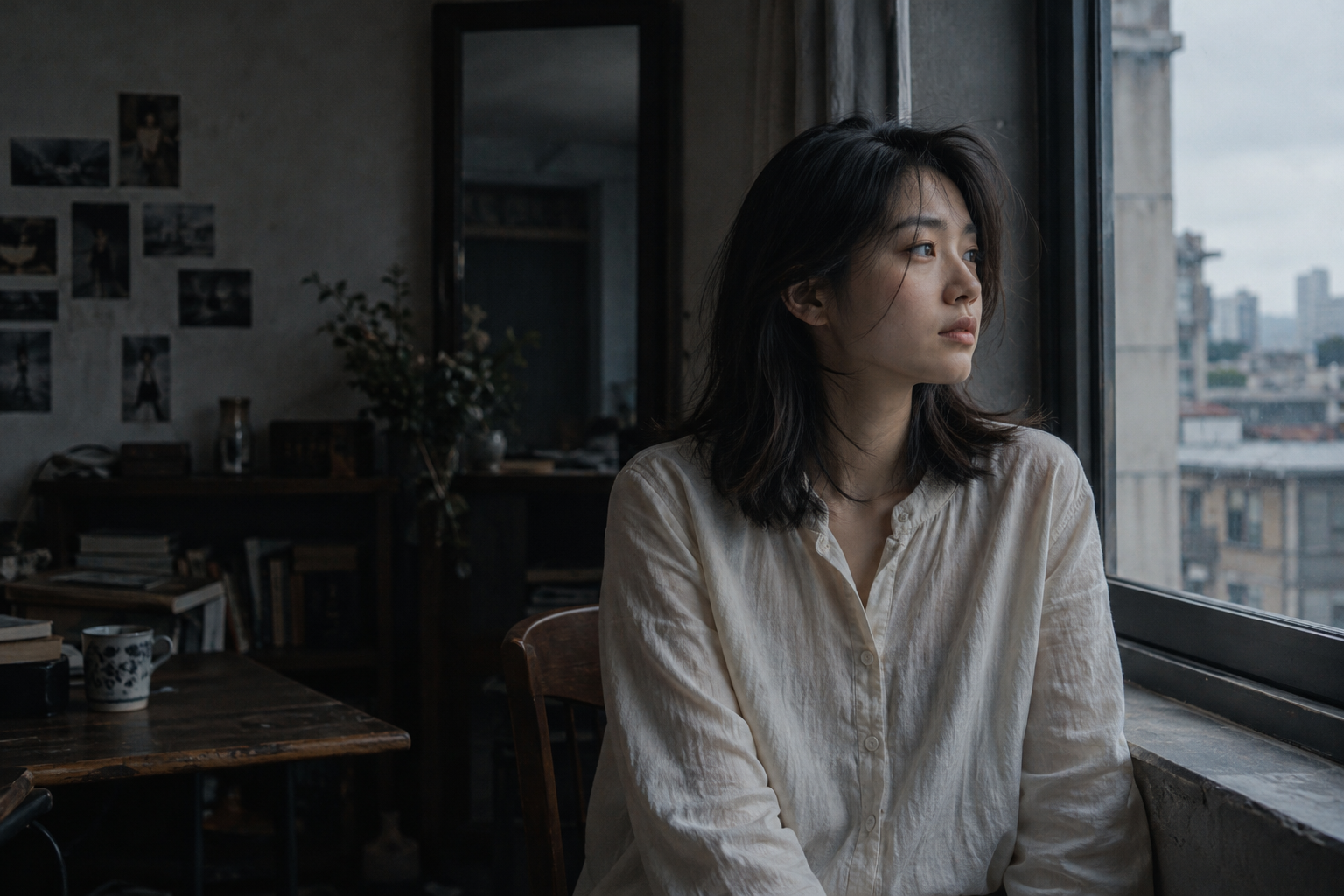
Cinematic window-light portrait prompts
Build a restrained cinematic portrait using side light, negative space and believable skin tones.
Explore the workflow ↗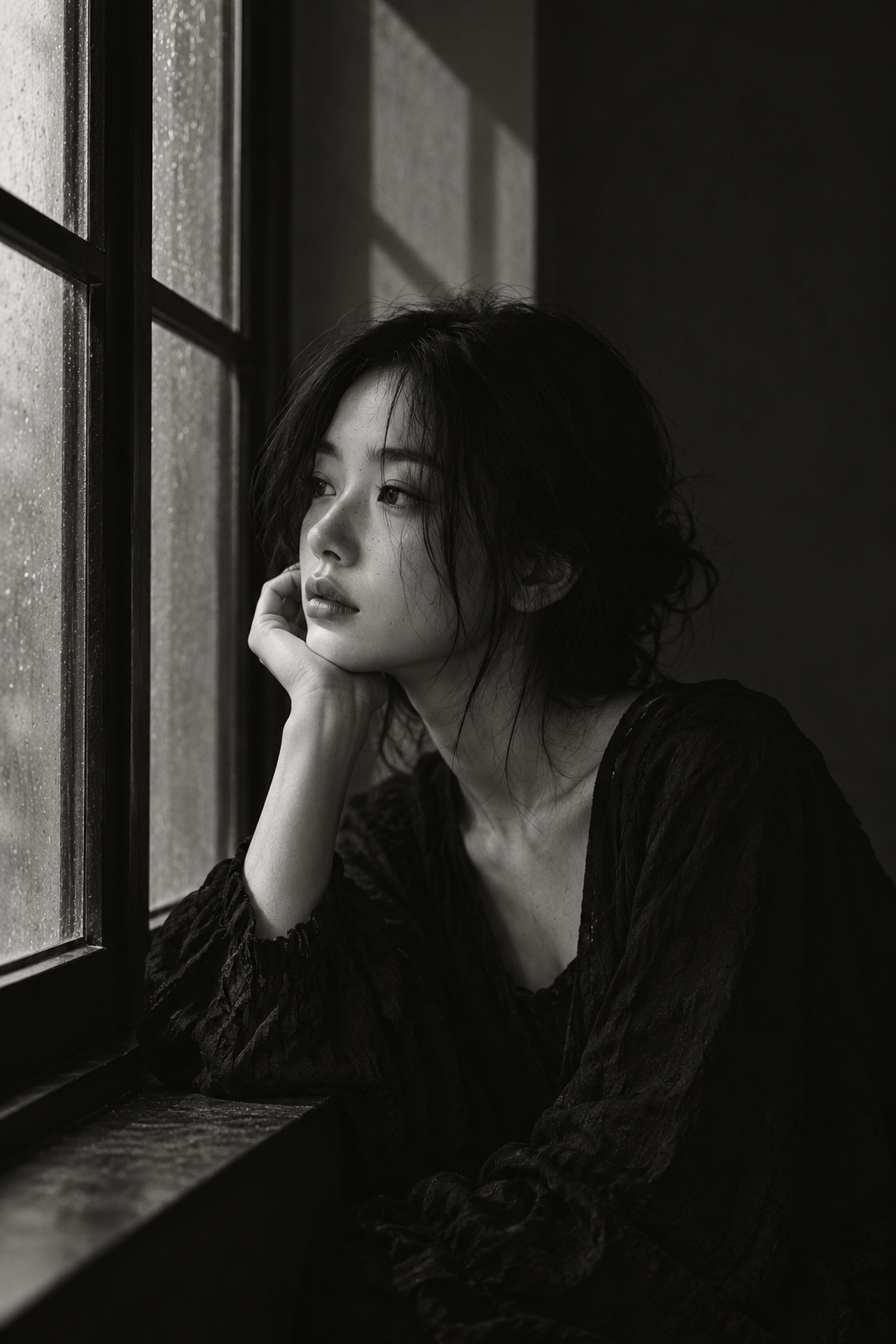
Black-and-white window portrait prompts
Use a window, midtone skin and controlled shadows to create a monochrome portrait with depth.
Explore the workflow ↗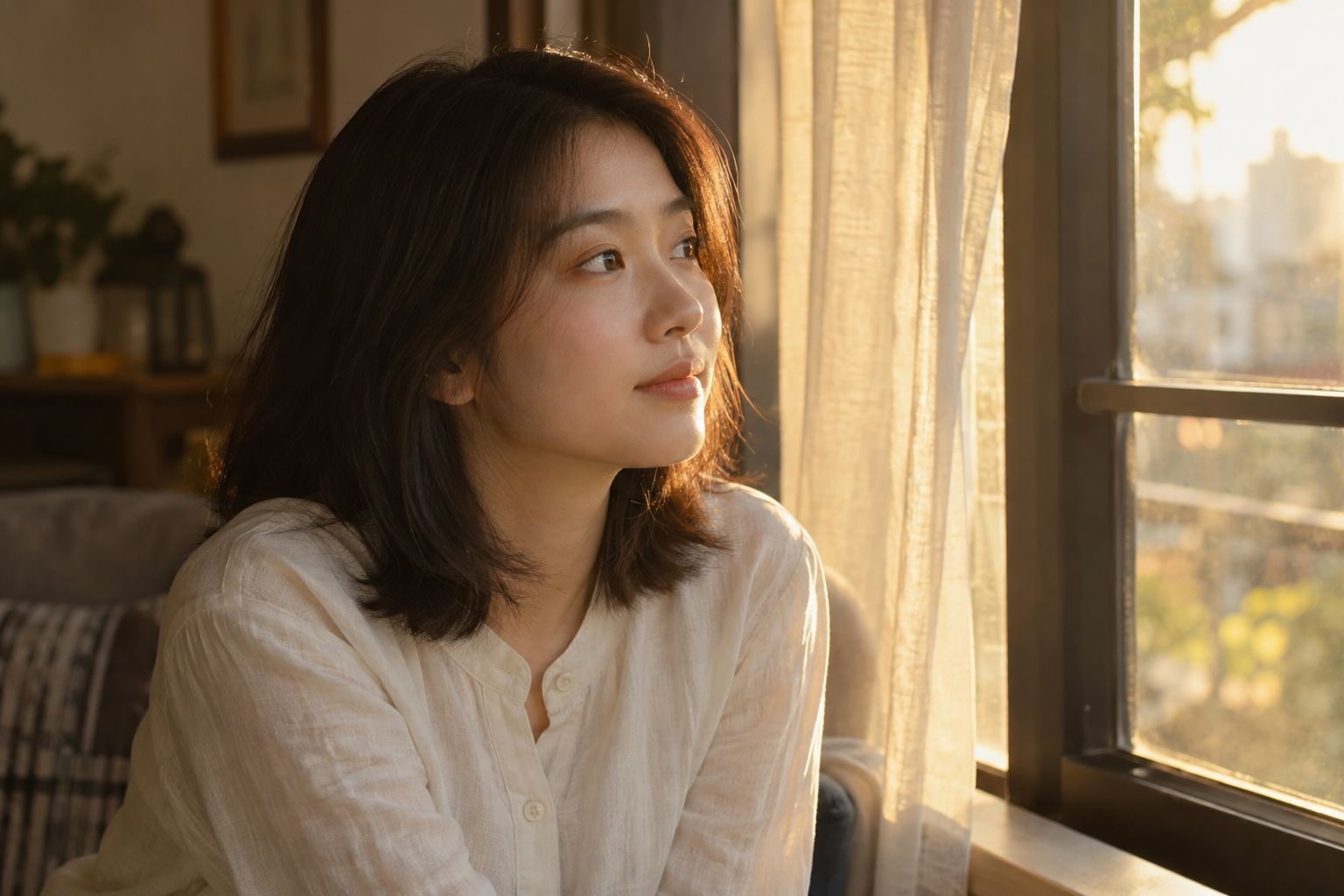
Golden-hour backlight portrait prompts
Describe warm rim light, readable facial detail and restrained flare for a sunset portrait.
Explore the workflow ↗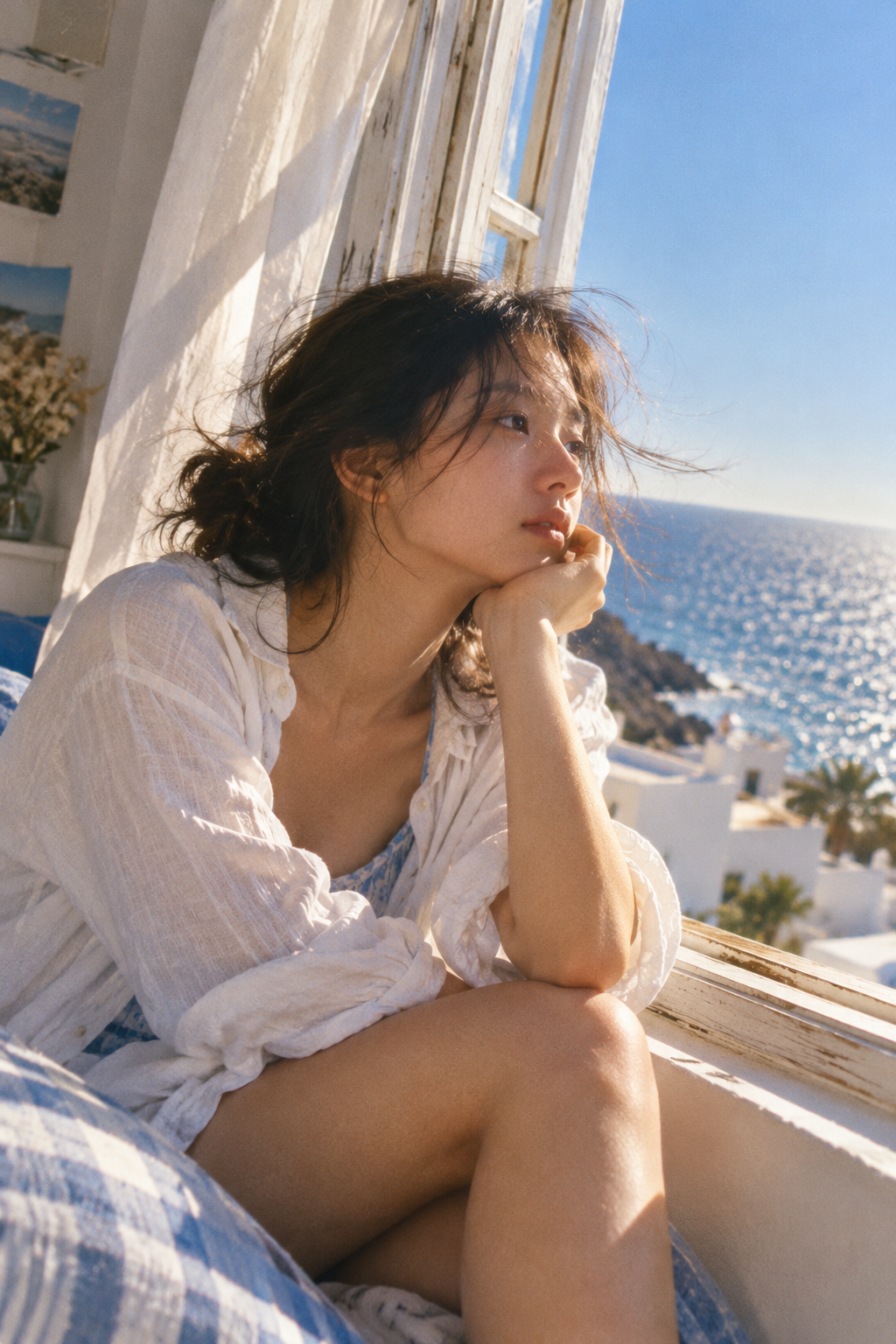
Summer film-look portrait prompts
Combine sea blue, warm skin and gentle grain without turning a portrait into a heavy filter.
Explore the workflow ↗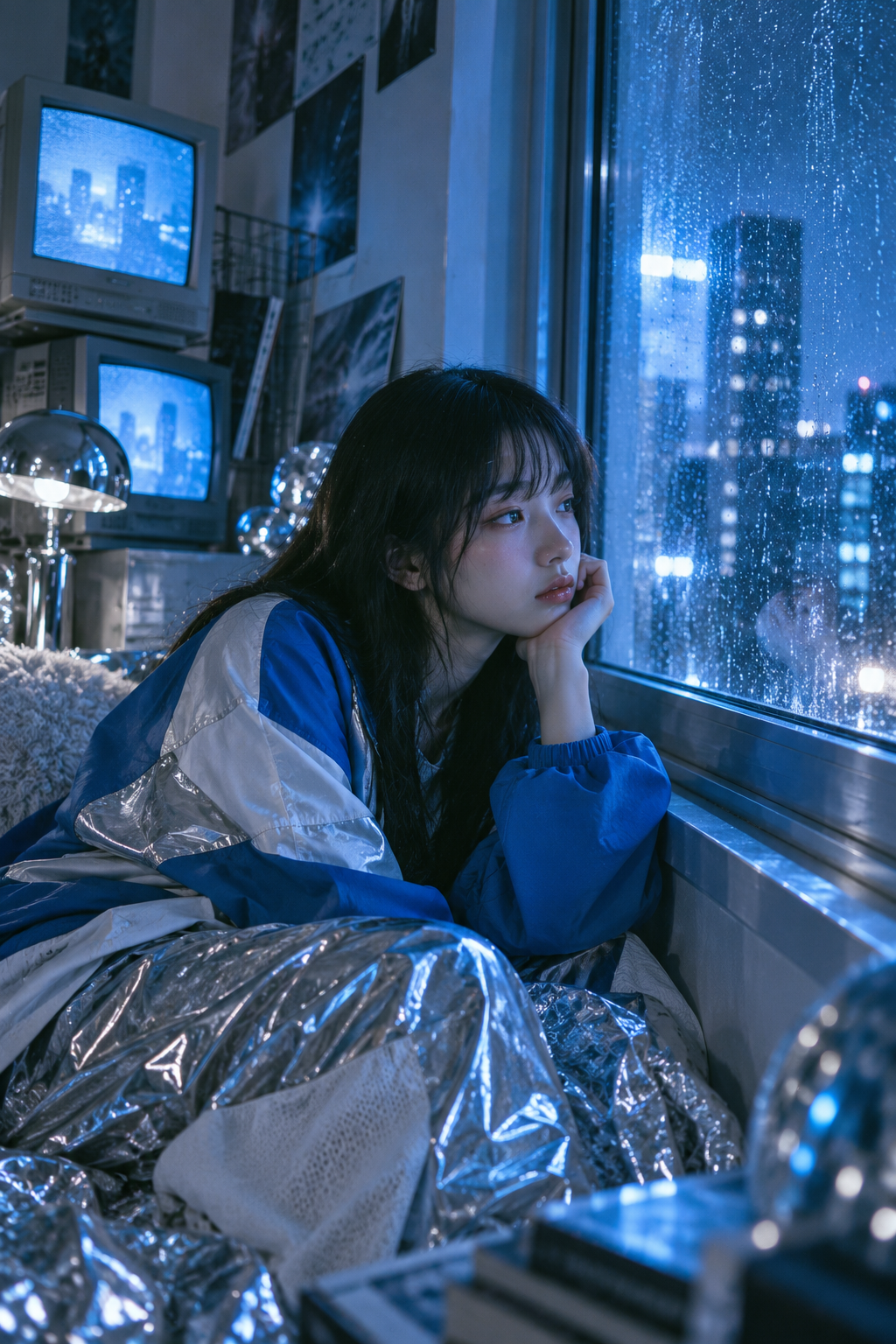
Blue night portrait prompts with screen light
Control a blue night palette using screen light, a rainy window and reflective materials.
Explore the workflow ↗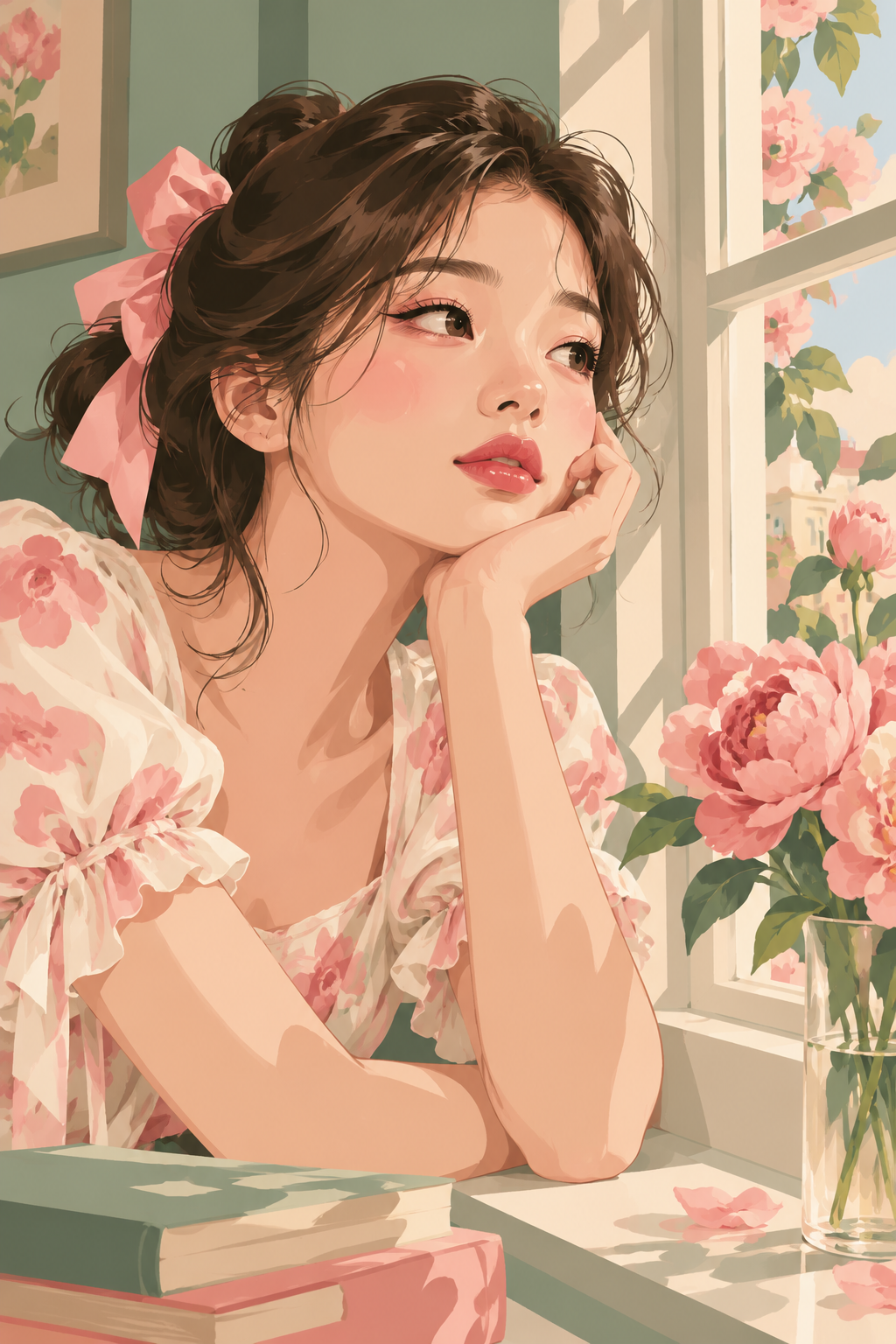
Retro flat-color portrait prompts
Build an illustrated portrait with flat color blocks, a restrained palette and clear window shadows.
Explore the workflow ↗How to use these guides
Each guide breaks down one look from WINDOWLIGHT’s published style library. Copy the prompt, change the subject and compare the result. Outputs depend on the model, reference images and settings: the sample is a style reference, not a promise of an identical result.
Keep your subject and composition fixed while changing one lighting or color decision at a time. This makes it easier to understand what improved the result.